Beginner Smart Plug Lighting Basics: A Practical How-To for Safe Home Automation
If you’re looking to automate your home lighting with smart plugs, it’s important to know where to start and how to avoid common safety pitfalls. This guide walks you through the essentials of choosing, installing, and safely using smart plugs for lighting, so you can enjoy automation without risking fire or electrical hazards.
Smart plugs offer a simple way to control lamps or string lights with your phone or voice, but the convenience can mask real risks if you overlook a few basics. Many first-time users plug in the wrong type of device, ignore load ratings, or install plugs in places prone to moisture. The result can be as minor as a failed automation or as severe as an electrical fire. Before you try automating any lamp, it’s crucial to check that your situation is suited for a smart plug and that you’re not introducing new hazards into your home.
Deciding If Your Lighting Is Right for a Smart Plug
Not every lamp or light string belongs on a smart plug. The safest candidates are table or floor lamps with standard bulbs and a clear on/off switch. Avoid plugging in anything that generates heat (like halogen torchiere lamps or space heaters), has built-in dimmers, or is permanently wired. Also, skip anything that’s mission-critical (such as aquarium heaters or medical devices) or that needs to run without interruption. If your lamp is in a damp area or outdoors, only use a plug specifically rated for those conditions. When in doubt, check the smart plug’s manual and look for UL or ETL safety certification.
Check Your Smart Plug’s Ratings Before Plugging In
Every smart plug has a maximum wattage and amperage rating, usually printed on the device or its packaging. Exceeding these can cause overheating or even start a fire. Add up the wattage of all bulbs in your lamp or fixture, and make sure the total is well below the smart plug’s maximum. Never use adapters to force a fit or try to run multiple high-wattage devices through a single plug. For outdoor or bathroom use, only consider models with the right IP (Ingress Protection) rating, and plug them into GFCI-protected outlets for added safety. If your outlet is old, damaged, or ungrounded, call an electrician to inspect it before proceeding.
Step-by-Step: Setting Up Smart Plug Lighting the Safe Way
Once you’ve picked the right lamp and a certified smart plug, follow these practical steps to get set up:
1. Unplug the lamp you plan to automate. Check that the cord and plug are in good condition—no fraying, no bent prongs.
2. Plug the smart plug directly into a wall outlet. Avoid extension cords or power strips, which can overheat.
3. Plug your lamp into the smart plug. Make sure the lamp’s switch is set to ‘on’ so the plug can control power.
4. Download the manufacturer’s app and follow the pairing instructions, connecting the plug to your home Wi-Fi (usually 2.4 GHz).
5. Test both app control and the physical button on the smart plug. If either doesn’t work, double-check your setup before leaving the lamp unattended.
6. Let the lamp run for 30 minutes, then feel the plug. If it’s unusually warm or you smell anything burning, unplug everything immediately and do not use that plug again.
If you run into any uncertainty about your wiring or the plug’s compatibility, pause and consult a licensed electrician.
Avoiding Common Hazards—What Not to Do
Some mistakes with smart plug lighting are easy to avoid if you know what to look out for. Never plug in devices that draw more power than the plug is rated for, and don’t try to automate anything with a heating element. Skip using plugs in kitchens, bathrooms, or outdoors unless they’re specifically rated for those spaces. Don’t daisy-chain plugs, use adapters to bypass ground pins, or try to control multiple lamps with a single plug unless you’ve checked the total load. If you notice flickering, buzzing, or any sign of overheating, disconnect everything and investigate before using the plug again.
Troubleshooting: When Things Don’t Work as Expected
Even with the right setup, you might run into issues like the lamp not responding, the plug losing connection, or flickering lights. If the smart plug is hot to the touch, immediately unplug it and check the wattage of your lamp. If the app can’t find the plug, ensure your Wi-Fi is working and that you’re using the correct frequency. For flickering, test the lamp in a regular outlet to rule out bulb or socket issues. If you ever smell smoke or see scorch marks, stop using the plug and check for any recalls of your model. Do not attempt to repair a faulty smart plug—replace it with a new, certified one.
Fire Safety and When to Get Professional Help
Smart plug automation is meant to make life easier—not riskier. If you have any doubts about your home’s electrical system, especially in older houses with ungrounded or damaged outlets, it’s best to bring in a professional. Never ignore signs of overheating, burning smells, or sparking. Make sure your smoke detectors are working before trying any new electrical automation. For homes with small children or pets, use tamper-resistant outlets and keep cords out of reach. When in doubt, always err on the side of caution and consult a qualified electrician.
Maintaining Safe Indoor Air and Preventing Hidden Risks
Smart plugs themselves don’t emit fumes, but electrical malfunctions can sometimes cause melting or smoke, which affects indoor air quality. If you ever notice a burning odor, unplug devices immediately and ventilate the area. After any electrical mishap, check for lingering moisture or mold if the plug was used in a humid spot. Good ventilation and regular inspection of devices help prevent both fire and air quality issues in your automated home.
References
Guidance on safe use of electrical products and general home safety practices was drawn from U.S. Consumer Product Safety Commission, Home Safety Guides — consumer safety education for household products and repairs. https://www.cpsc.gov/Safety-Education/Safety-Guides/Home
Recommendations for checking for recalled or faulty smart plugs were informed by U.S. Consumer Product Safety Commission, Recalls — searchable consumer product recall database. https://www.cpsc.gov/Recalls
Information about indoor air quality and ventilation after electrical incidents was based on U.S. Environmental Protection Agency, Indoor Air Quality — IAQ basics including filtration and ventilation context. https://www.epa.gov/indoor-air-quality-iaq
Scarlett Hayes writes TopicFlex's tools, organization, and smart-home basics. She explains product categories, storage systems, and beginner-friendly automation ideas.
When clutter keeps returning to the same corners, a zone storage labeling system can make the difference between perpetual tidying and lasting order. This walkthrough details how to define activity-based zones, choose the right containers and labels, and maintain safety, clarity, and efficiency for all household members—without overcomplicating or losing sight of real-life routines.
Keys under mail, shoes in the walkway, bags blocking the door—most entryways need a system, not another basket. Here is how to design a drop zone that matches how your household actually comes and goes, keeps exits clear, and stays usable week after week.
You do not need a subscription app to track filter changes, smoke alarm tests, or repair receipts. A simple binder or accordion folder—kept somewhere you will actually see it—can hold everything you need for safety checks, recalls, and insurance claims.
When a pipe bursts or you smell gas, you need to know where the shutoffs are—not guess. A simple utility map, posted where everyone can find it, gives your household a clear plan before a crisis hits.
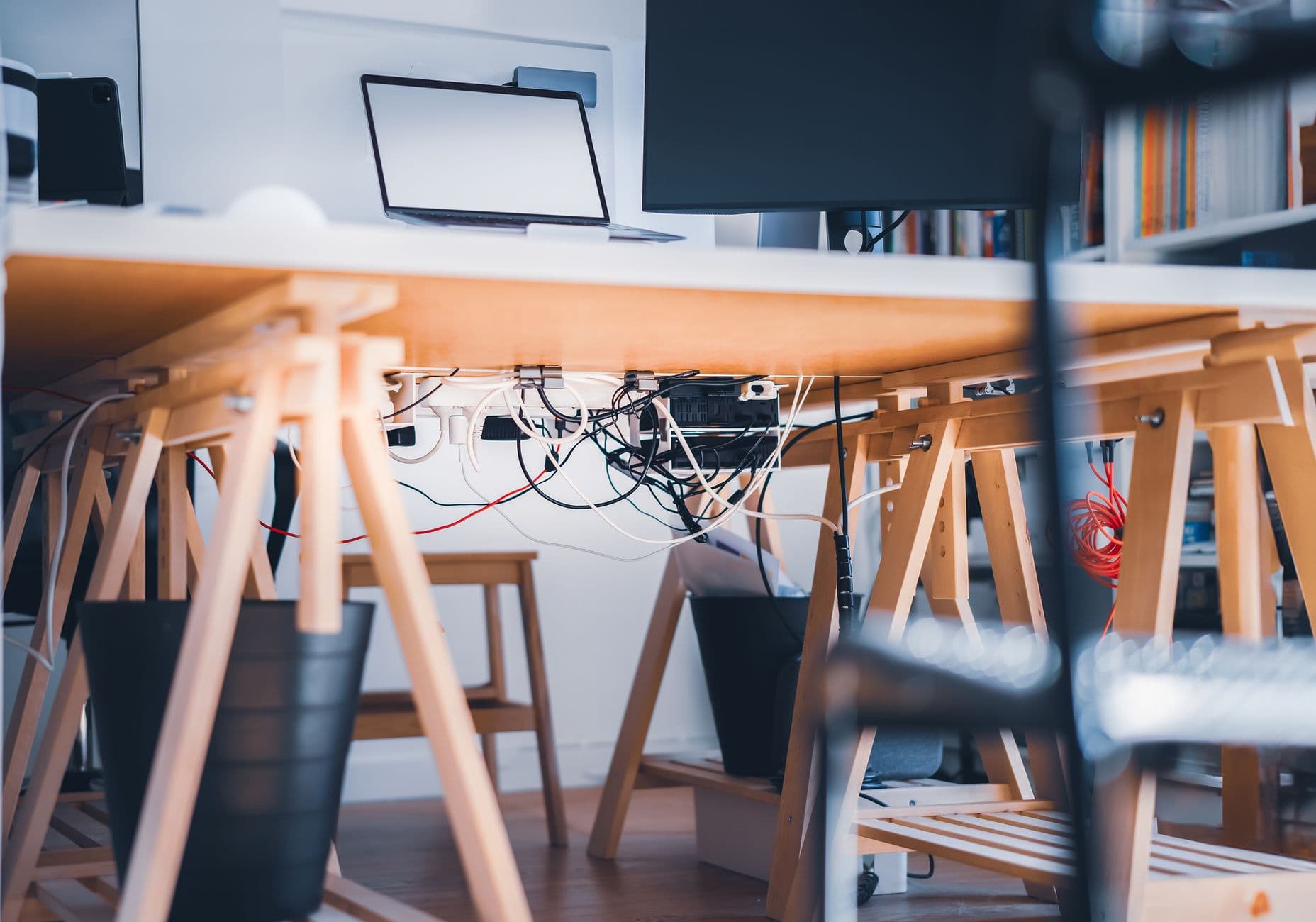
Modern home offices demand flexibility, but tangled cables and hasty fixes can quickly turn a productive space into a source of stress. Effective home office cable management isn’t just about hiding wires—it’s about creating a system that adapts as your tech evolves. This practical guide walks you through flexible, safety-minded steps to keep your workspace tidy and your devices accessible, without locking yourself into a rigid setup.